











Your SlotPesa account gives you access to sports betting, live events and casino games across Tanzania. Whether you are returning to place a bet or creating your first account, the service can be used through a web browser and, where supported, on an Android mobile device. This guide explains the login process, registration steps, password recovery and practical checks for common access problems.

Access is limited to users aged 18+ who meet the platform’s verification requirements. Keep a stable internet connection and the mobile number connected to your account available, since either may be needed during sign-in or account recovery.
How to Log In to Your SlotPesa Account
Open the official website and select the login option shown on the homepage. Enter the registered phone number or username in the first field, then type your password in the second. Check the details carefully before submitting, particularly if your password contains capital letters, numbers or special characters.
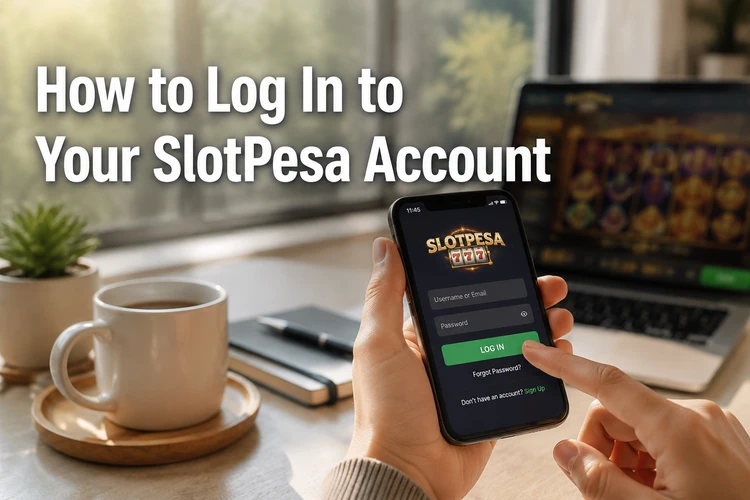
On a personal phone or computer, you may use a stay-signed-in option if it is offered. Do not enable it on a shared device. After successful authentication, the account dashboard should open. If several incorrect attempts have been made, further attempts may be temporarily restricted. Waiting before trying again is safer than repeatedly submitting the same details.
When logging in from a mobile browser, use a current browser version and keep the display in portrait mode if the form is difficult to read. Avoid entering credentials through links received in unsolicited messages. Instead, open the website directly or use a saved official bookmark.
Creating a New Account
New users must complete the registration form before using account services. Start from the homepage registration option and provide the requested mobile number, a password and date-of-birth information. Use your own active number because the platform may send a verification code to confirm registration and help with future password recovery.
Review every field before submitting the form. Your personal details should be accurate and consistent with any later verification request. Choose a password that is difficult to guess and do not reuse one from email, social media or another betting account. After the phone verification step is completed, sign in and review the account information before making any transaction.
Some services can request additional identity checks before withdrawals or other account actions. If that happens, follow the instructions displayed in the account and submit documents only through the official service. Do not send identification documents or passwords to an unknown contact.
Recovering a Lost Password
If you cannot remember your password, use the recovery link on the login page. Select the option labelled “Forgot Password?”, enter the phone number or email address associated with the account, and follow the instructions shown on screen.
A recovery code may be sent to the selected contact method. Enter it exactly as received and create a new password that meets the displayed requirements. Codes can expire, so complete the process soon after receiving one. If nothing arrives, check the number or email carefully, review the messages’ spam folder where relevant, and request another code only after confirming the details.
After changing the password, close old login sessions if the account provides that control. Test the new password once, then store it in a reputable password manager or another private location. Never give a recovery code to someone claiming to be support. If recovery still fails, contact the service team and provide only the information needed to identify the account.
Mobile Application for Android
A mobile application can make account access more convenient on compatible Android phones and tablets. If an APK is offered, download it only from the platform’s official app page, which is available through the mobile app information. Check the file source and the instructions on that page before beginning installation.
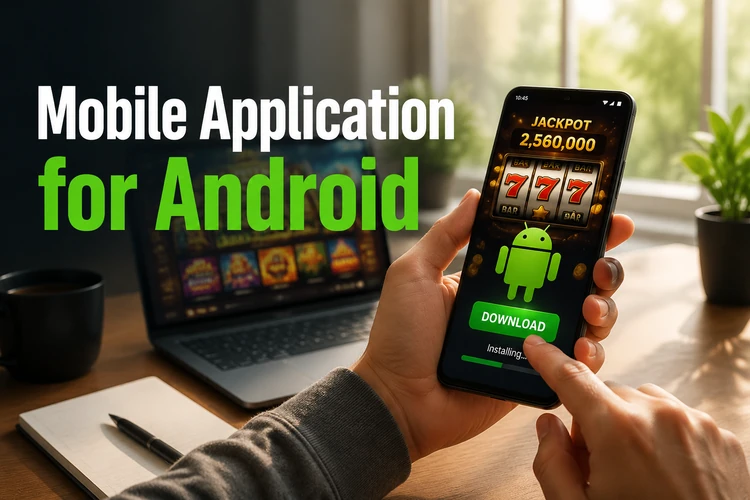
Android may block installation from a browser until permission is granted for that source in the device settings. Enable the permission only when you have verified the source, install the file, and then consider disabling the permission again. Keep enough free storage available and remove incomplete downloads before retrying.
Open the downloaded file and follow the installation prompts. The required Android version and storage size can change, so rely on the current requirements shown by the platform rather than an old guide. After installation, launch the app and use the same credentials as on the website. Install updates only when they come from the official source, and do not use modified APK files.
Common Login Issues and Solutions
Most failed sign-in attempts result from an incorrect username, phone number or password. Check for extra spaces, a changed keyboard layout and caps lock. If you recently reset the password, use the new one rather than a saved older password. A temporary lock following repeated failures may require a short wait before access is attempted again.
Browser cache and cookies can interfere with a web login. Clear only the relevant browsing data or try a private window. On a phone, close and reopen the browser or force-stop the application. If the page does not load, switch between mobile data and a trusted Wi-Fi connection to determine whether the network is responsible.
After an application update, restart the device and check whether another update is available. Do not install several copies of the app or use unofficial versions to bypass an error. If the account is locked, verification is requested, or the problem continues after these checks, use the support contact page. Include the registered phone number and a short description of the error, but never include your password or one-time code.
Protecting Your Account
Use a unique password with a mixture of letters, numbers and symbols. A longer password or passphrase is usually easier to manage than a short, complicated sequence. Change it if you suspect that someone else has seen it, and avoid saving credentials in a browser on a public computer.
Never share login details with another person, even if they claim to represent customer support. Staff should not need your password or verification code. Be careful with public Wi-Fi and unfamiliar devices, log out when the session ends, and remove downloaded account files from shared devices.
Check the address and security connection before entering personal information. Keep your phone’s operating system and browser updated, and use a screen lock. If betting stops being enjoyable or begins to affect essential spending, pause activity and review the available responsible gambling guidance.
Frequently Asked Questions
Open the official website, choose the login option and enter the registered phone number or username with your password. Check the details carefully, then submit the form to reach the account area.
You normally need an active mobile number, a secure password and accurate personal details, including your date of birth. A verification code may be sent to the phone number before the account is activated.
If an Android application is available, use the official app page on the website to check the current download instructions. Avoid APK files from social media, file-sharing sites or unknown contacts.
Use the password recovery link on the login page, enter the contact detail connected to your account and follow the verification steps. Create a new password after receiving the code, and request support if the code does not arrive.
The same credentials may work across supported web and mobile services. Install the application only from the official source and confirm that the device meets the current requirements.
Check the keyboard layout, clear the browser cache or restart the application, and test the internet connection. Repeated failed attempts can cause a temporary restriction. If the issue remains, contact support without sharing your password or recovery code.